
SupportFor Solutions
Route buyers who book from your profile through your Chili Piper router, with the questions your routing needs.
On your Human Cloud profile, open the Meet card, choose Edit how buyers book, then Chili Piper router. Paste your Chili Piper embed code, add the questions your routing needs, test it, and click Go live. Buyers who click Schedule a meeting then answer your questions once and your router opens right on the page, with their details filled in.
https://humancloud.com/profile/your-profile, then Edit how buyers book under the Meet card.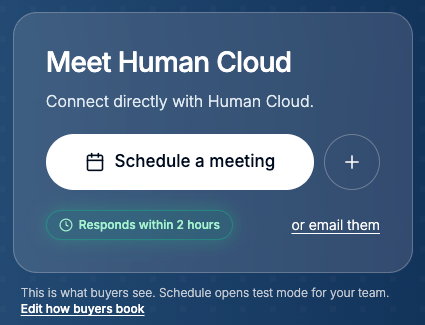
Click Edit how buyers book and choose Chili Piper router.
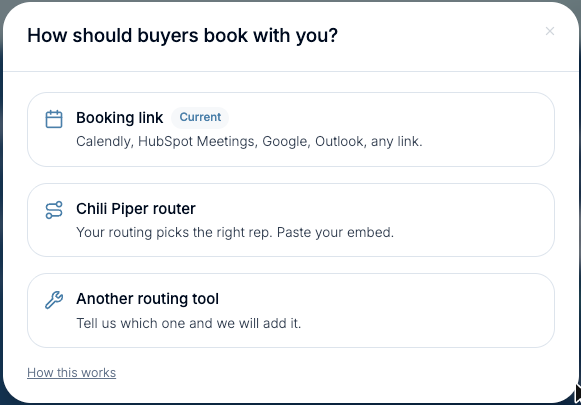
In Chili Piper, open your Concierge router and copy the embed code from its deploy or embed tab. Paste it in the box. We read two names from it: your account (the part before .chilipiper.com) and your router. You can also type them in. Click Continue, check the two names, and click Looks right.
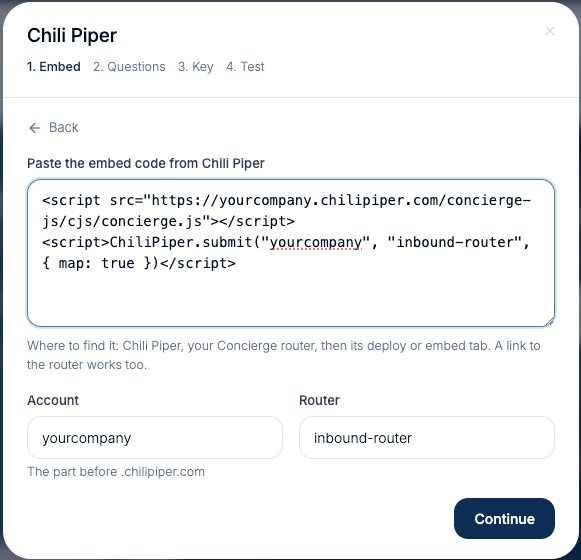
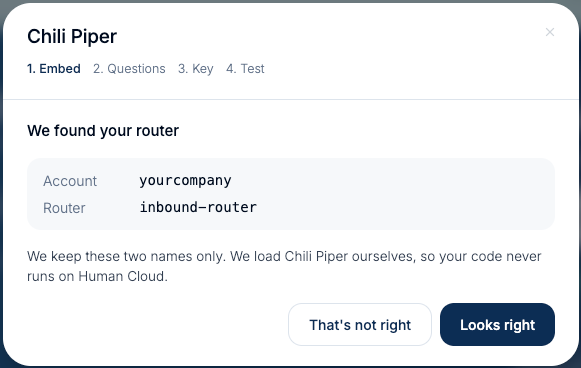
We keep those two names only. We load Chili Piper ourselves, so your code never runs on Human Cloud.
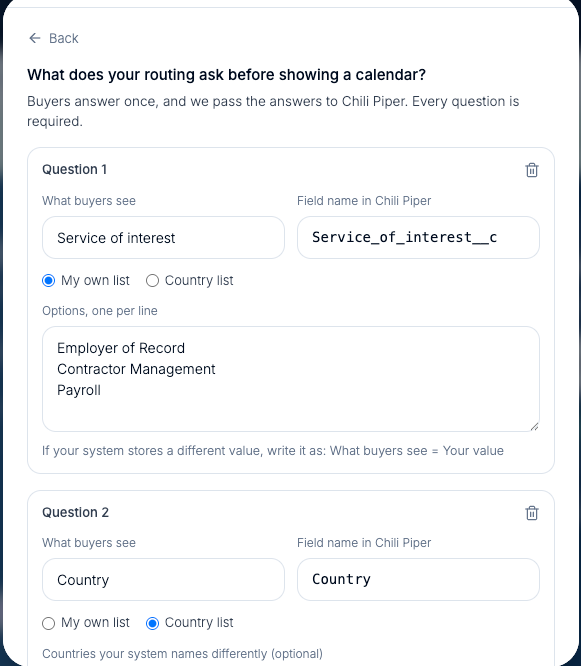
Add up to 3 questions. For each one, set what buyers see, the field name your router reads, and the options. If your system stores a different value than buyers should see, write the option as What buyers see = Your value. For Country, choose Country list: buyers pick from a clean list, and you can list any countries your system names differently. First name, last name, email and company are always sent; open Field names to match your router's names.
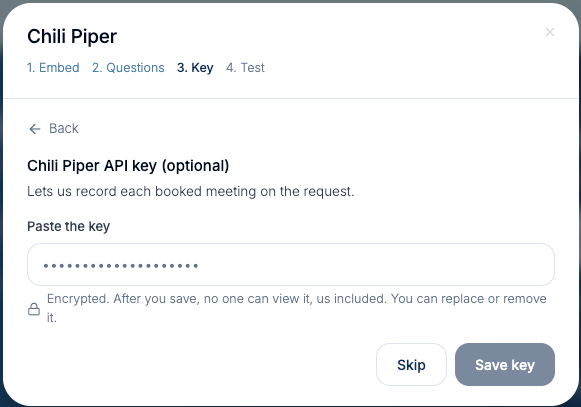
Paste a Chili Piper API key if you want booked meetings recorded on each request. It is encrypted when you save. After that nobody can view it, us included, and you can replace or remove it. Or click Skip.
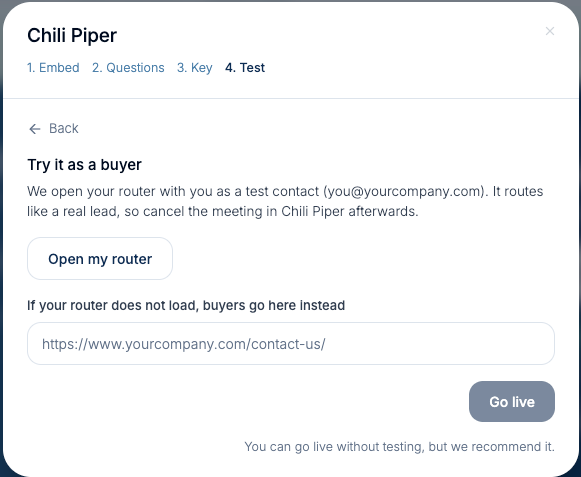
Click Open my router to try it as a buyer. It routes like a real lead, so cancel the test meeting in Chili Piper afterwards. Add the page buyers go to if your router can't load (for example your contact page), then click Go live.
Buyers click Schedule a meeting, tell us who they are, answer your questions, and your Chili Piper router opens on the page and books them with the right rep. Every request still lands in your Pipeline with their answers, and your team gets the lead email. When your own team tries it, it runs in test mode and is never counted as a lead.
Check the account and router names in Edit how buyers book, and ask your Chili Piper admin whether humancloud.com needs to be allowed for this router. If it still doesn't load, buyers are sent to your backup page instead of a dead end.
Each question's field name must match the field your router reads. Open Edit how buyers book, go to the questions step, and correct the field name.
A buyer with only a personal email and nothing else (no LinkedIn, no company) is sent to you to review first. They see your router once you accept.
In Edit how buyers book, choose Turn off Chili Piper and use your booking link. Your router settings are kept for next time.